Status Page Notifications
Objective
The status page provides a full view of operations across four categories:
- Availability status over the past 90 days.
- Overview of upcoming planned maintenance.
- Communication during ongoing incidents, including impact and mitigation.
- A list of past incidents.
A notification service is available for subscribers and sends:
- Emails related to ongoing incidents.
- Reminder emails for upcoming maintenance.
Users can subscribe through the Subscribe to updates menu on the status page.
How to subscribe
- Go to itsme.statuspage.io and select Subscribe to updates.
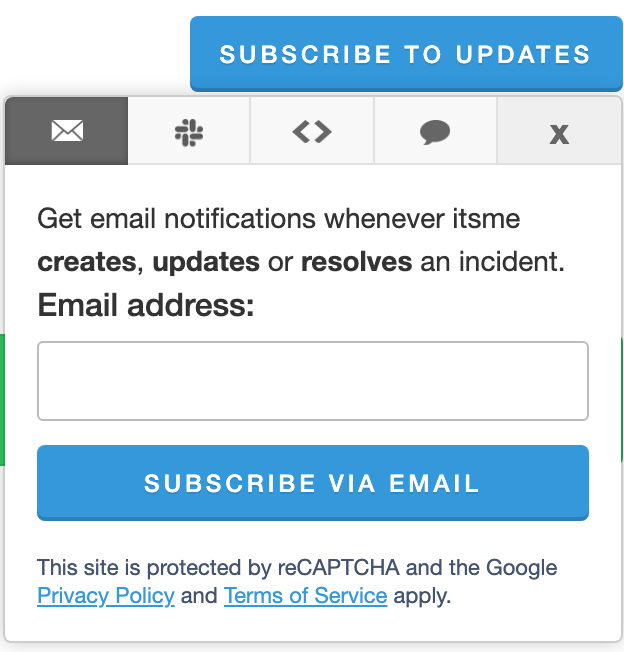
- Enter your email address and complete the captcha.
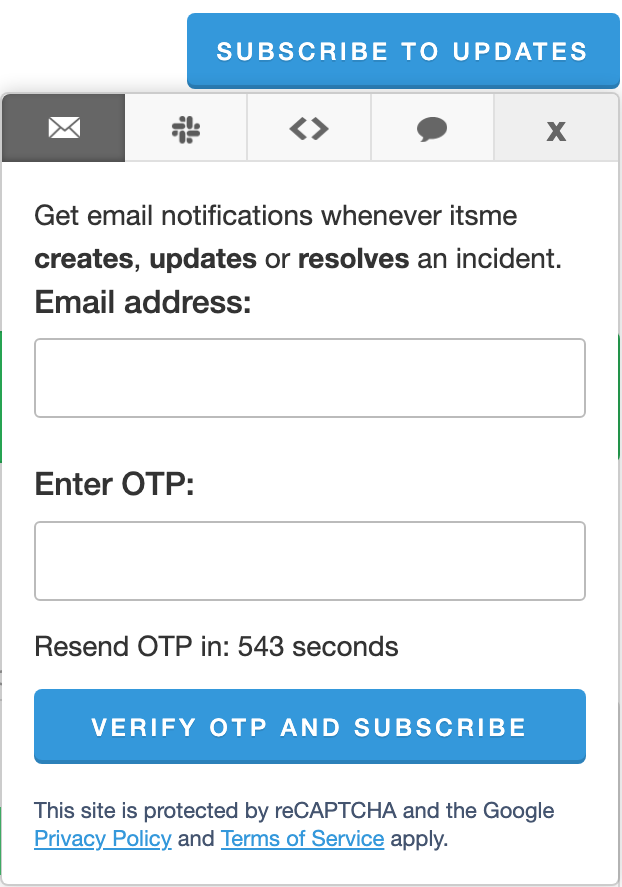
- A one-time password (OTP) is sent to your email address.
- Open Subscribe to updates again, then enter your email and OTP.
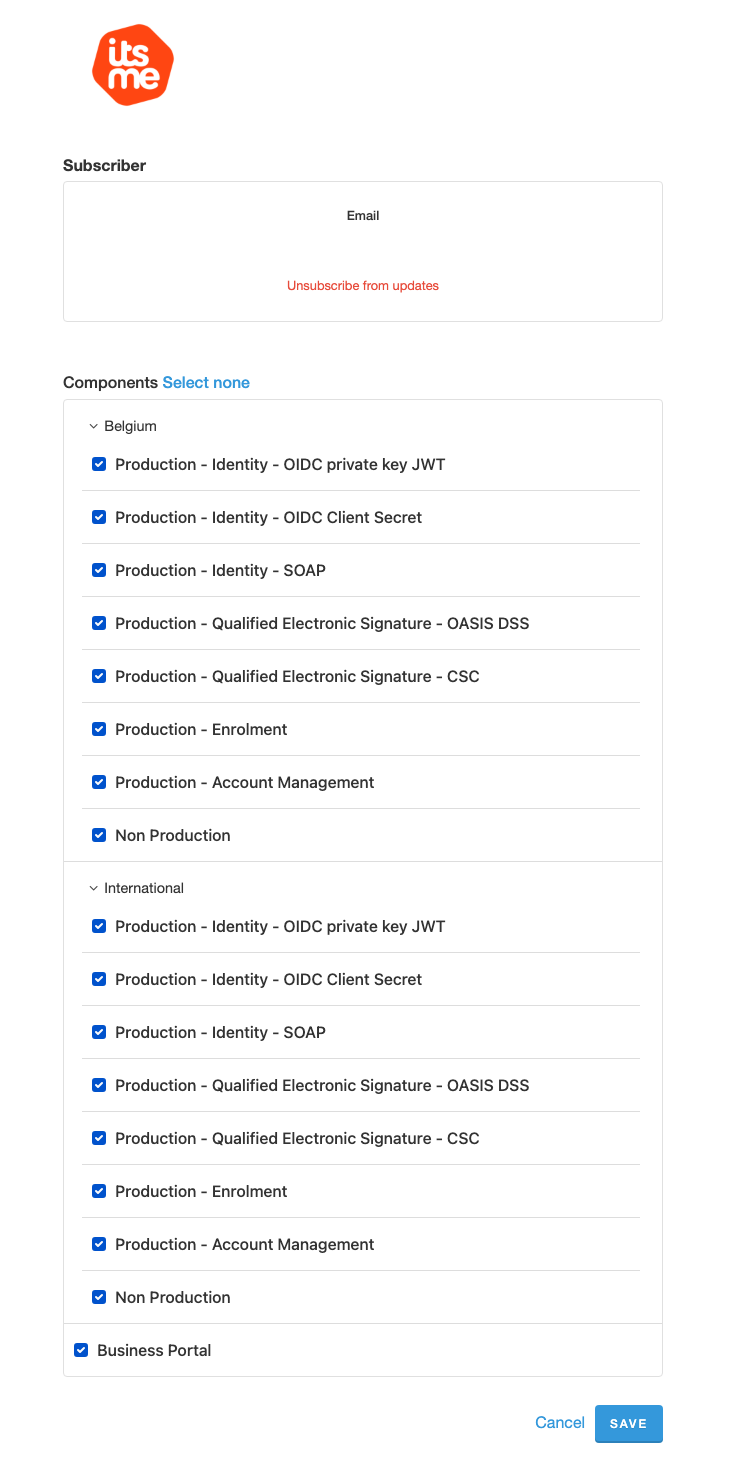
- Select the services relevant to you and click Save.
How to unsubscribe
- Go to itsme.statuspage.io.
- Repeat the same steps as in the subscription flow.
- In the services list, unselect the services for which you no longer want notifications.
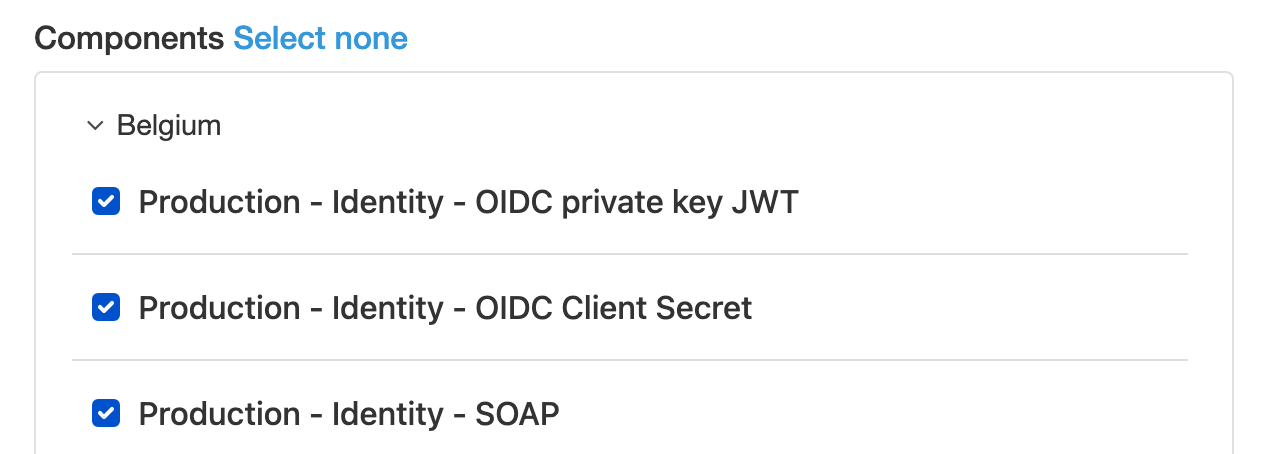
If you choose Select none and save, you will be fully unsubscribed and stop receiving all notifications. You can subscribe again later if needed.